 plzxplain
Practical tools for painters
See your painting more clearly.
Use plzxplain's free tools to frame a reference, simplify values, compare your work and check portrait construction. Start straight away — no account required.
How it works
From reference to next brushstroke
Open the tool you need
Start with a Viewfinder, Block-In, Overlay or Construction check — the right aid is there whenever you need it.
Work from your own photos
Frame a subject, simplify a photo into values, or line up your painting with its reference while you work.
Keep your eye in charge
The tools make relationships easier to see. Your judgement stays at the centre of every painting decision.
Connected workflow
Frame it once. Carry it forward.
Tighten the composition in Viewfinder, then send that exact crop straight into Block-In. Here, a busy city scene becomes a loose Gesture study without choosing the same photo twice.
- 1 Reframe around the subject
- 2 Continue with Block-In this photo
- 3 Generate a Gesture starting point
Four tools, one clearer process
Each tool supports a different moment in your process, from choosing a frame to checking the structure of a portrait.
Viewfinder
Try rule-of-thirds and golden-ratio guides before you commit to a crop.
Block-In
Reduce a photo to simple shapes and value masses, or use AI to explore a clearer composition.
Overlay
Align your painting and reference to compare placement and proportion as you go.
Construction
Check a portrait against classic head lines and proportional landmarks.
Free to start
No account between you and the work.
The Viewfinder, Overlay, Construction tools, and Notan or Posterise Block-Ins are ready when you open the app. Sign in only if you choose an account-backed feature, such as generating an AI Block-In.
Guides
Make the most of your tools
Short, practical guides for getting more from Viewfinder, Block-In, Overlay and Construction.
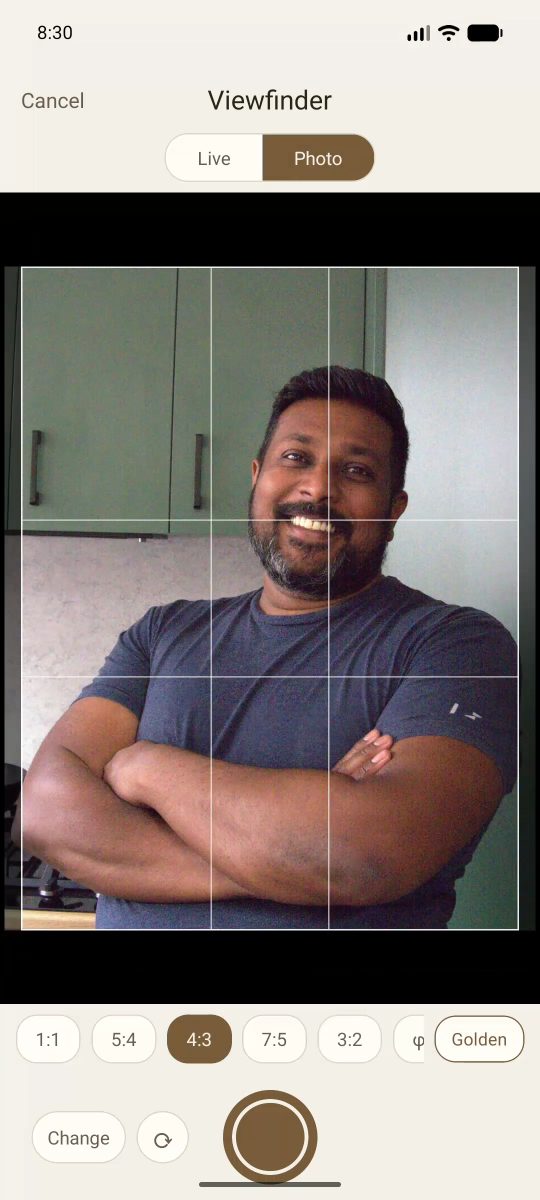
How to use Viewfinder
Frame a scene before you paint, using an aspect-ratio frame and composition grid.
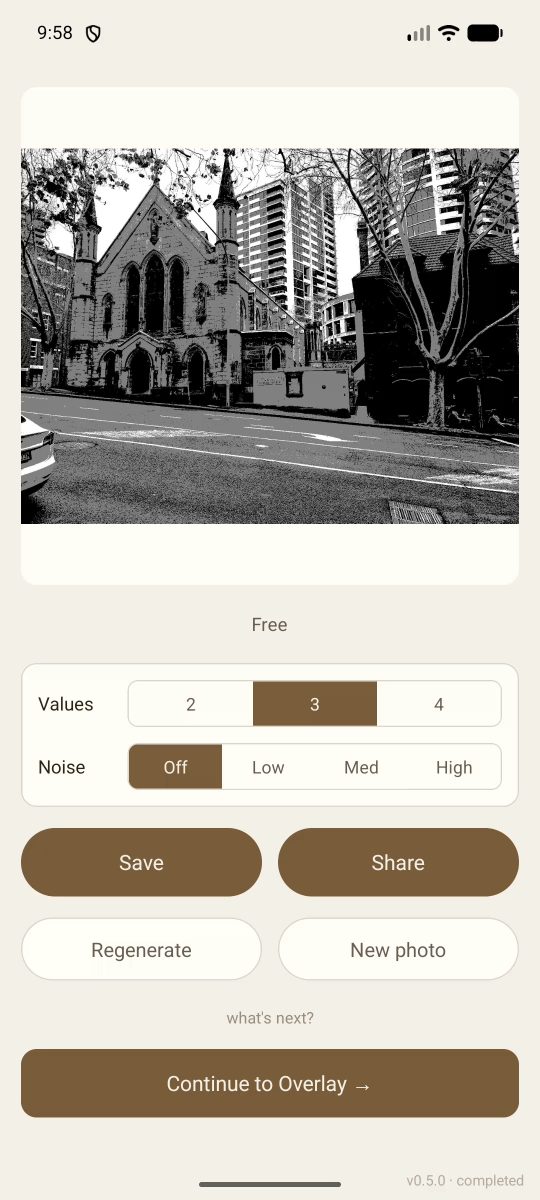
How to use Block-In
Turn a reference into a simple value, colour or shape study before you start painting.
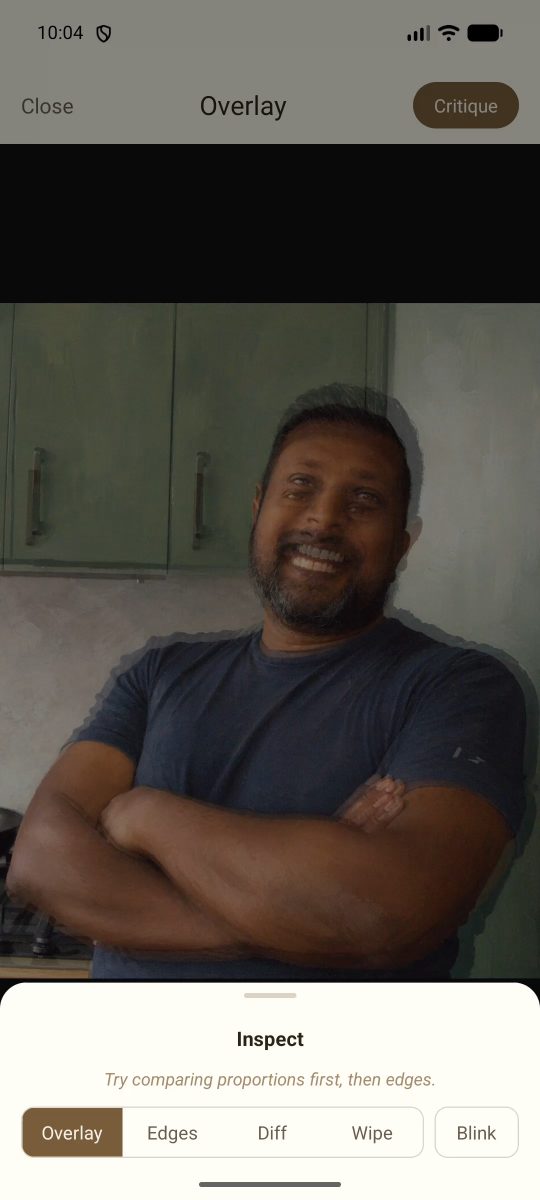
How to use Overlay
Line up a reference and a work in progress to check placement, angles and proportions.
Ready to see your next painting more clearly?
Download plzxplain and start using the free tools straight away — no login required.